Pipeline mode
Talking Head
Interview & editorial selection
You give it
- Interview rushes
- Multi-cam + wireless audio
- A transcript, or it makes one
You get back
- Hero cut per angle
- Snippets & spotting bin
- Quotes with timecode
How it works
Drop the card
A folder of rushes. Nothing to convert, nothing to upload.
Say what it is
One line about the film. Pick a preset if you want a head start.
It does the spotting
Every take watched and labelled, the moments worth keeping marked. Even the take where someone sneezes.
Open the timeline
FCPXML and XMEML, so it opens wherever you cut. Selects in place, nothing to conform.
This is the whole app
 pick a modethen 1 → 4, in order
Two modes
Pipeline mode
Interview & editorial selection
You give it
You get back
Pipeline mode
Atmosphere & shot distribution
You give it
You get back
Ask, don't scrub
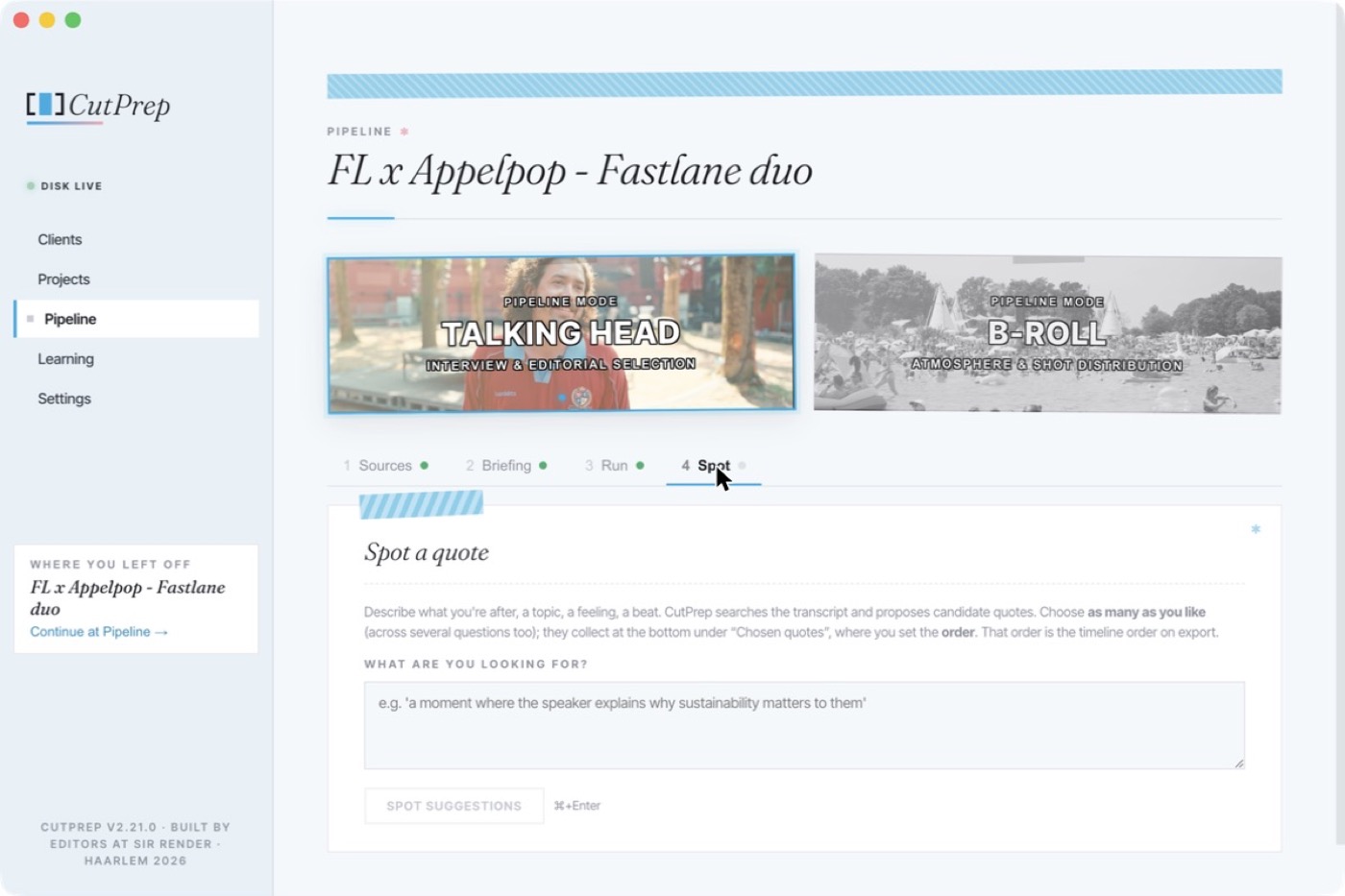
"A moment where she explains why it mattered." CutPrep reads the transcript and comes back with candidates, each with timecode. Keep the ones you like; the order you put them in is the order on the timeline.
No transcript yet? It makes one, on your Mac.
What €1 buys you in 2026
€1
a croissant
a single bite
€1
a postage stamp
one letter, gone
€1
a bus ticket
10 minutes across town
€1
25 minutes of rushes
watched, labelled and spotted
And only the watching is metered. The cut you build costs nothing. ↗ See the breakdown
Pay for what it watches
Building the cut, the preview, the timelines, the sub-clips and the export are free, because they happen on your own Mac. Every run counts the footage it reads, a second run on the same interview too. An hour of interview counts as one; an hour of B-roll counts as two.
Getting started
Download
macOS 14+, Apple Silicon.
Sign in
Two free hours, once, to try it on. No credit card needed.
Point & brief
A folder and one line.
Open the timeline
Resolve, Premiere or Final Cut. Picture lock is still your call.
No API keys, no second invoice to watch.